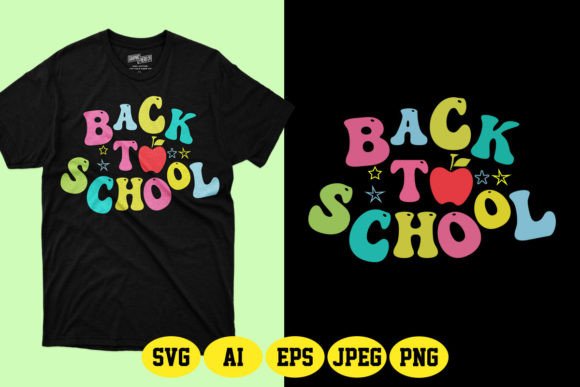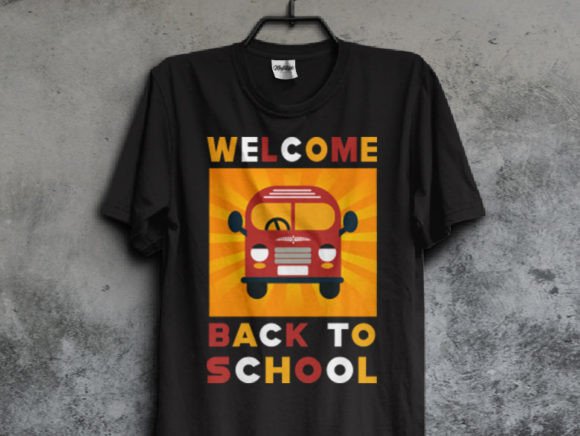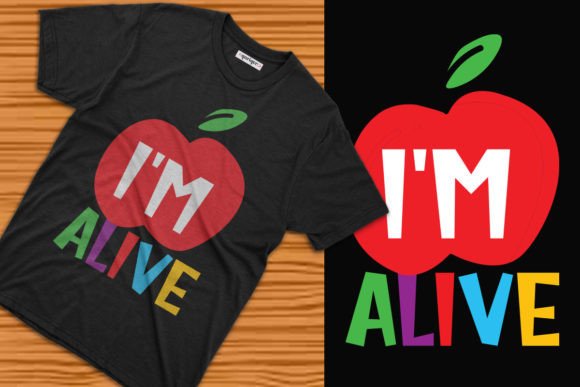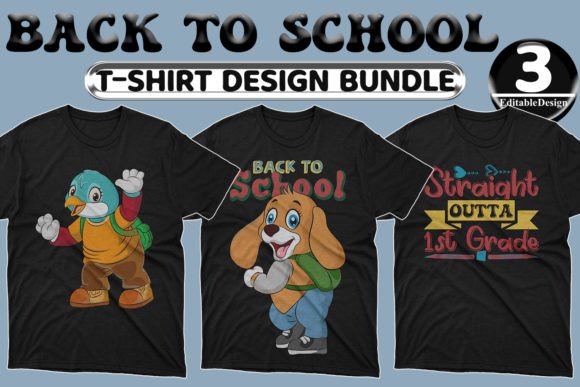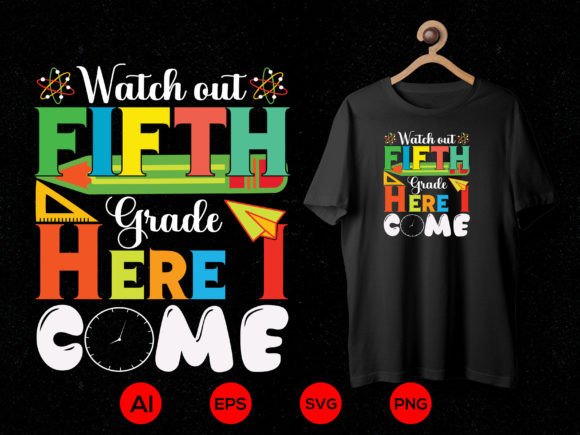
Back to School T-shirt Design 51
“Watch out, fifth grade—here I come!” isn’t just a phrase. It’s energy. Confidence. A milestone moment made visible. Back to School T-shirt Design 51 captures that exact spirit: bold, age-appropriate, and effortlessly scalable. Designed for real-world use—not just display—it delivers professional-grade vector files (AI, EPS, PNG, SVG) ready for production, customization, and iteration.
Why This Design Stands Out
Unlike generic back-to-school graphics, Back to School T-shirt Design 51 balances personality with practicality. The text is legible at small sizes and impactful at large ones. The layout leaves room for personalization—whether you’re adding a student’s name, school mascot, or custom icon. Every element is built from 100% vector shapes, meaning no pixelation when scaled up for banners or down for iron-on transfers. And because it’s print-ready out of the box, there’s no need for time-consuming prep work: adjust colors in seconds, swap fonts if needed, or layer with complementary elements—all without compromising quality.
Creative Applications Beyond T-Shirts
This design thrives far beyond apparel. Its versatility makes it ideal for educators building classroom culture, small business owners launching seasonal merch, or parents organizing grade-level events. Here’s how different users bring it to life:
- Educators: Print on canvas tote bags for supply kits, or cut vinyl versions for classroom door signs (“Welcome to Fifth Grade!”). Pair with student-drawn self-portraits on bulletin boards for instant engagement.
- Small Business Owners: Use the SVG file with Cricut or Silhouette machines to create limited-run enamel pins or stickers—perfect for back-to-school pop-ups or local PTA fundraisers.
- Freelance Designers: Layer the design into editable Canva templates for digital invitations, newsletter headers, or social media assets. Change the background color to match school branding or seasonal palettes (think navy + gold for fall, teal + coral for summer bridge programs).
- Hobbyists & Parents: Iron the PNG version onto backpacks, lunchboxes, or pillowcases using heat-transfer paper. For durability, choose the high-DPI PNG (300 dpi) and mirror the image before printing.
Adapting for Audience & Context
What works for a confident 10-year-old entering fifth grade may not resonate with teachers, administrators, or younger siblings. That’s where smart adaptation matters. For example:
- For teachers: Swap “Watch out” for “Welcome to” and add a subtle apple or book icon beside the grade level—keeping tone warm and inclusive.
- For school districts: Replace “fifth grade” with “Grade 5” and integrate official school colors via the editable color palette. Use the AI file to align typography with district brand guidelines.
- For sibling sets: Create coordinated versions—e.g., “Watch out, third grade!” and “Watch out, fifth grade!”—using consistent spacing and weight so they feel like a family of designs, not unrelated files.
Each variation stays rooted in the original structure, preserving clarity and recognition while meeting distinct communication goals.
Practical Tips for Best Results
Getting great output starts with intentional choices—not just technical ones. Here’s what experienced users do consistently:
- Test color contrast early. If printing on dark shirts, verify text remains legible against your chosen background. Use tools like WebAIM’s Contrast Checker—even for physical prints, luminance matters.
- Respect minimum line weight. When cutting vinyl or engraving wood, avoid scaling the design below 2 inches wide unless you’ve confirmed fine details hold up on your machine’s settings.
- Organize layers before exporting. In Illustrator or Affinity Designer, group related elements (text, border, icons) and label them clearly. This saves hours later if you need to re-export only the grade number or update one color globally.
- Keep backups of unflattened files. Save your working AI/EPS with editable text and paths intact—even after finalizing a PNG. Future edits (like swapping “fifth” for “sixth”) will be faster and more precise.
Design Integrity Meets Real-World Flexibility
Back to School T-shirt Design 51 doesn’t ask you to choose between creativity and control. You can simplify it into a single-color stencil for elementary art projects—or build it into a multi-layered digital campaign with animated SVG versions for school websites. What makes it sustainable across uses is its foundation: clean vectors, intentional spacing, and human-centered messaging. It avoids trends that date quickly (no dated slang or overused memes) and focuses instead on timeless transitions—grade advancement, new beginnings, quiet pride.
Ideas to Spark Your Next Project
Still looking for direction? Try these grounded, actionable starting points:
- Create a “Grade Countdown” series: Use Back to School T-shirt Design 51 as your anchor, then adapt the number and phrasing for grades K–6. Keep fonts, stroke weights, and layout identical—only change the numeral and verb (“Here I am!” / “Stepping up!” / “Leveling up!”).
- Design a matching parent shirt: Flip the script with “Watch out, fifth grade—I’m their biggest fan!” in a coordinating but distinct font. Print both on soft cotton tees for orientation day photos.
- Turn it into an interactive classroom tool: Import the SVG into Google Slides, ungroup elements, and animate the “5” to pop in during a first-day presentation. Students love visual cues that mark significance.
- Bundle it with printable resources: Offer the design alongside editable name tags, reading logs, or homework trackers—positioned as a cohesive “Fifth Grade Launch Kit” for teacher blogs or Etsy shops.
No matter your role—designer, educator, entrepreneur, or parent—you’re not just downloading a file. You’re getting a flexible, field-tested creative asset. One that supports clarity, celebrates growth, and works as hard as you do.