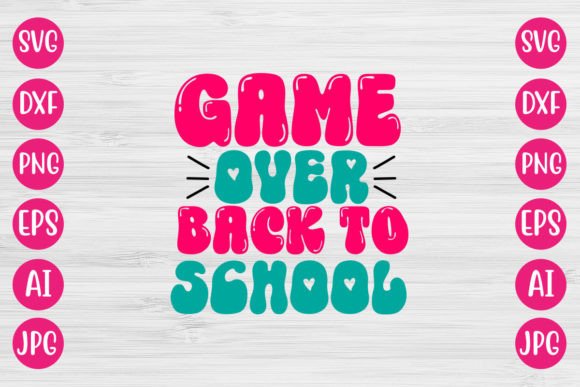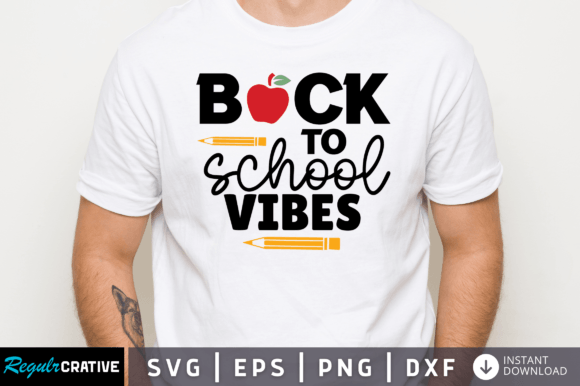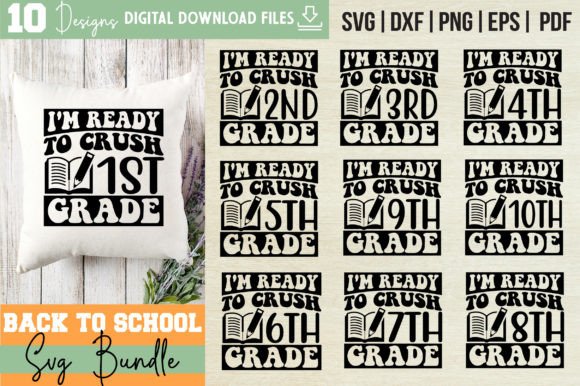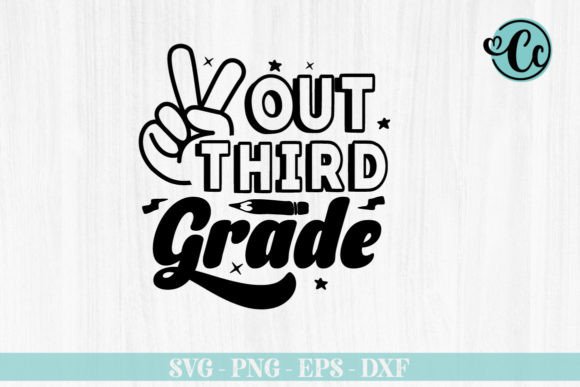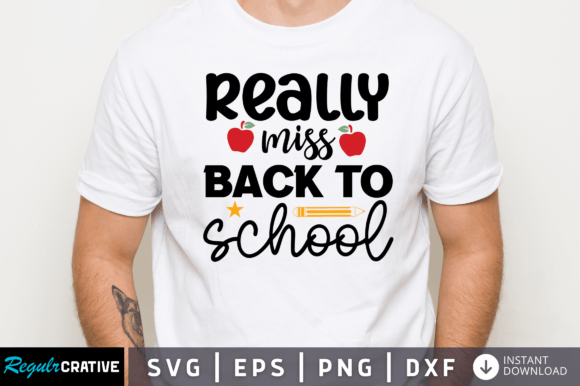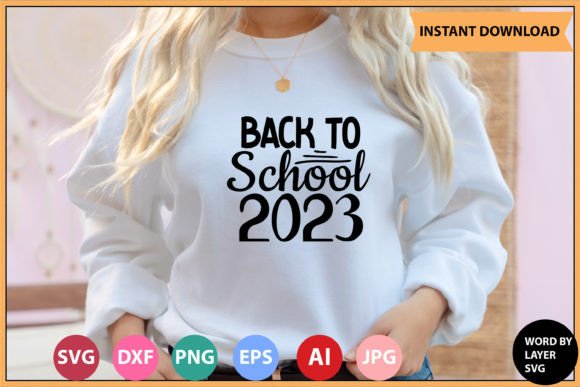
Back to School 2023 SVG Bundle: Your All-in-One Design Toolkit for Classroom Crafts & Personalized Learning Supplies
Whether you're a teacher prepping bulletin boards, a homeschool parent designing custom notebooks, or a small business owner creating back-to-school merch, the Back to School 2023 SVG Bundle delivers professional-grade flexibility—without the learning curve. This isn’t just another collection of clipart. It’s a thoughtfully engineered digital toolkit built for real-world use across cutting machines, design software, and print workflows.
What You Actually Get (No Surprises, No Upsells)
When you purchase the Back to School 2023 SVG Bundle, you receive a single, neatly organized .zip file—no physical product, no waiting for shipping, no inventory tracking. Just instant access to six distinct file formats, each serving a specific purpose in your creative pipeline:
- 1 SVG File — Optimized for word-by-layer editing and fully compatible with Cricut Design Space. Each letter or element is on its own layer, so you can easily hide, recolor, resize, or rearrange parts without affecting the rest.
- 1 EPS File — A vector format that scales infinitely without quality loss. Ideal for professional printing services, large-format signage, or embedding into marketing collateral where resolution independence matters.
- 1 PNG File — High-resolution (300 DPI) with transparent background. Perfect for digital classroom resources, Google Slides templates, Canva overlays, or social media posts—no white boxes or awkward cropping needed.
- 1 DXF File — Native to AutoCAD and widely supported by CNC routers, laser cutters, and advanced sign-making software. If you’re etching backpacks, engraving wooden name tags, or fabricating acrylic desk organizers, this is your go-to.
- 1 AI File — The Adobe Illustrator source file. Fully editable with live text, grouped layers, and unexpanded paths. Make font swaps, adjust spacing, add gradients, or integrate with existing brand assets—all within your familiar Illustrator workspace.
- 1 JPEG File — A crisp, high-DPI preview version. Great for quick mockups, client presentations, or sharing design concepts before committing to a cut or print job.
Why “Word by Layer” Makes All the Difference
Many SVG files are flattened or grouped tightly—meaning if you want to change just the color of the “A” in “ABC,” you’ll need to ungroup multiple times, risk misalignment, or accidentally delete a shadow or outline. Not here. The Back to School 2023 SVG Bundle uses a word-by-layer structure: each letter, icon, or decorative element lives on its own named layer.
This matters most when you’re customizing for individual students. Imagine labeling 24 pencil pouches with names. With layered SVGs, you simply duplicate the base design, rename one layer “Emma,” hide the others, and export just her version. Repeat in seconds—not minutes. Teachers using Cricut Joy or Maker can even assign different materials to different layers (e.g., vinyl for letters, iron-on for icons) in a single mat setup.
Real-World Compatibility: More Than Just “Works With Cricut”
The bundle doesn’t just claim compatibility—it delivers it. Every file has been tested across common platforms:
- Cricut Design Space: SVG loads cleanly with layers preserved; no manual ungrouping required.
- Silhouette Studio: DXF and SVG import smoothly—even in the free edition—with accurate line weights and no stray nodes.
- Inkscape: EPS and SVG open natively; text remains editable (when not outlined), and transparency renders correctly.
- Adobe Photoshop & Illustrator: AI file opens as a native document; PNG retains alpha channel; JPEG previews match final output.
No more “works in theory” frustration. If your workflow includes mixing tools—say, designing in Illustrator, prepping cuts in Silhouette, then adding textures in Photoshop—the Back to School 2023 SVG Bundle bridges those gaps seamlessly.
How Educators & Makers Are Using It Right Now
Teachers aren’t just cutting shapes—they’re building culture. One kindergarten lead used the layered SVGs to create rotating “Student of the Week” banners: swapping names weekly, changing border colors to match monthly themes (blue for “Friendship,” green for “Growth”), and printing matching desk tags—all from the same file.
Homeschool families report saving hours on supply prep. Instead of buying generic labels, they personalize folders, binders, and snack containers with names and favorite subjects (“Science Explorer – Maya”). Because the PNG and JPEG files are print-ready at 300 DPI, they run them through home inkjets or local print shops—no extra design steps.
Small craft businesses are bundling these designs into “Back to School Starter Kits” sold on Etsy. They combine the SVGs with printable checklists, editable lesson plan templates, and laminated flashcards—leveraging the AI and EPS files to maintain consistent branding across every product.
Smart Considerations Before You Download
While the Back to School 2023 SVG Bundle is designed for ease, a few practical notes help ensure smooth use:
- Software versions matter. For best results with the AI file, use Illustrator CC 2020 or newer. Older versions may not render certain effects or fonts correctly.
- Transparency is baked in—but preview first. Though the PNG has a transparent background, always open it in your intended program (e.g., Canva or PowerPoint) to confirm no artifacts appear during upload.
- DXF is for precision work—not decoration. Use it when accuracy is non-negotiable (e.g., fitting a cut into a pre-drilled shelf bracket), not for quick paper crafts.
- No commercial license restrictions—within reason. You may use these files to create physical products for sale (tote bags, mugs, stickers), but you may not resell or redistribute the digital files themselves.
Design Integrity Meets Everyday Practicality
SVG bundles often sacrifice detail for compatibility—or vice versa. This one doesn’t. Look closely at the icons: pencils with subtle graphite texture, apples with gentle highlights, graduation caps with clean stitching lines. These aren’t pixelated imports or auto-traced silhouettes. They’re hand-crafted vectors—clean, scalable, and intentional.
That attention extends to typography. The included fonts are either open-source licensed or carefully outlined to avoid licensing conflicts—so whether you’re printing a “Welcome Back!” banner or cutting vinyl for locker signs, you won’t hit a font-missing error mid-project.
And because everything lives in one .zip folder, version control is simple. No hunting across cloud folders for “SVG_v2_FINAL_revised.” Just download once, unzip, and start creating.
Final Thought: It’s Not About More Files—It’s About Fewer Roadblocks
The Back to School 2023 SVG Bundle succeeds not because it includes six file types, but because each one removes a friction point. The SVG saves time on Cricut mats. The PNG skips transparency fixes in Canva. The AI file lets designers iterate without starting over. The DXF unlocks precision hardware. None of it is filler. All of it is functional.
When August rolls around and your to-do list stretches longer than your supply budget, having one reliable, multi-format resource—ready to adapt to whatever comes next—isn’t a luxury. It’s how you stay focused on what really matters: welcoming students, sparking curiosity, and making learning feel personal.