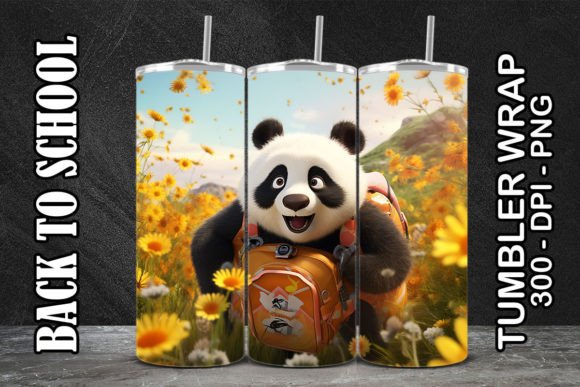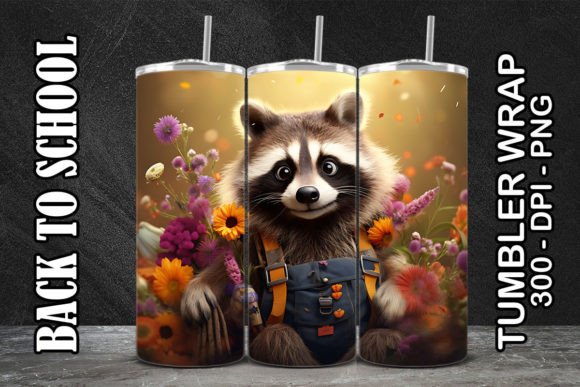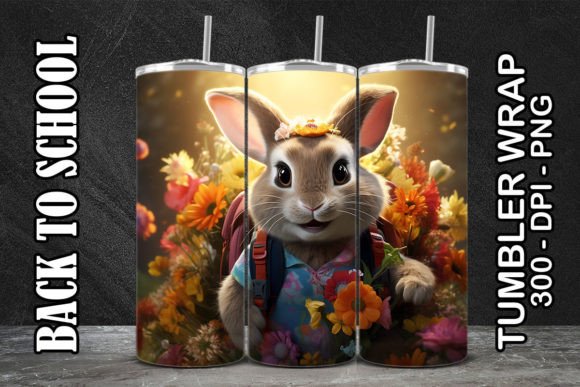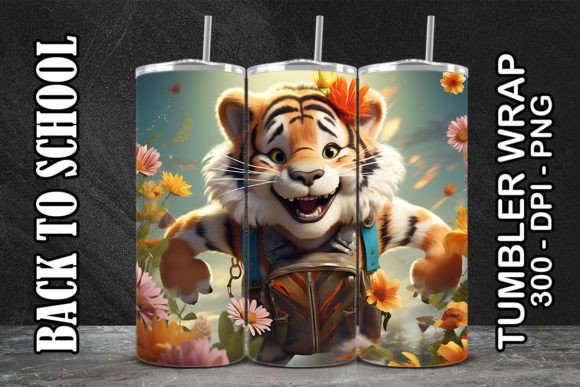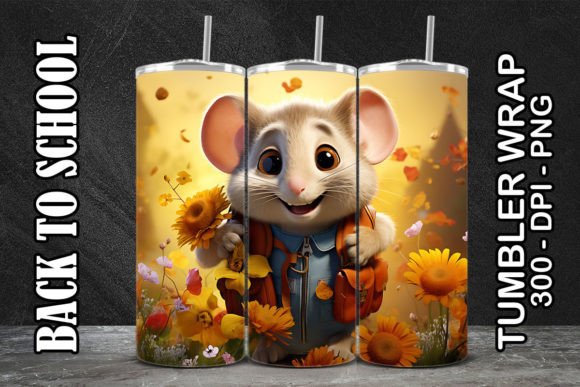
Mouse Back to School Tumbler 2
Mouse Back to School Tumbler 2 is a ready-to-use, high-resolution digital tumbler wrap designed specifically for sublimation printing on standard 20 oz skinny tumblers. Its clean, playful aesthetic—featuring a cheerful mouse character with school-themed accessories like pencils, notebooks, and backpacks—balances whimsy and professionalism. Unlike generic back-to-school graphics, this design was built with real production in mind: precise sizing (9.06 in × 8.11 in), 300 DPI resolution, and transparent-background PNG files that eliminate clipping or alignment guesswork.
Why This Design Fits Real Creative Workflows
This isn’t just another clipart download—it’s a production-ready asset. The included ZIP contains multiple PNG variations (e.g., full-wrap, front-facing layout, simplified line-art version) so you’re not locked into one orientation or use case. Each file maintains consistent proportions and bleed-safe margins, reducing trial-and-error during heat press setup. For designers running small-batch print shops or educators creating classroom giveaways, that reliability saves time and material costs.
Creative Applications Across Audiences
- Small Business Owners: Bundle Mouse Back to School Tumbler 2 with matching notebook or pencil designs to create cohesive back-to-school kits—ideal for local school supply stores, PTA fundraisers, or boutique gift shops. Print on-demand and scale only what sells.
- Educators & Homeschoolers: Use the PNG files to personalize tumblers for student welcome gifts, teacher appreciation bundles, or library incentive programs. Pair with editable name tags (using Canva or Illustrator) to add individual names without redesigning the base wrap.
- Content Creators & Bloggers: Feature the tumbler in “Back-to-School Prep” roundups, unboxing reels, or printable planner collaborations. The mouse motif reads friendly and age-neutral—effective for K–12 audiences without leaning too juvenile.
- Freelance Designers: Use the layered PNGs as a starting point: recolor the mouse’s backpack to match school colors, swap out icons for STEM or arts-focused symbols, or adapt the layout for 16 oz or 30 oz tumblers using proportional scaling (maintain 300 DPI and adjust canvas accordingly).
Practical Tips for Best Results
Sublimation success hinges on preparation—not just the file. Before pressing, verify your tumbler’s exact dimensions and coating quality. Aluminum tumblers with polyester coating yield sharper results than stainless steel without proper pretreatment. Always do a test press on scrap material first, especially when adjusting time/temperature for your specific press model.
When editing the PNGs, preserve transparency and avoid flattening layers unless necessary. If adding text, use fonts with clean outlines (like Montserrat Bold or Poppins SemiBold) and convert them to outlines before exporting. Avoid overloading the design with extra elements—the original composition leaves breathing room, which helps maintain readability at smaller sizes (e.g., on social thumbnails or product mockups).
Adapting for Different Platforms & Formats
You’re not limited to physical tumblers. The same PNG files work across digital contexts: resize a section of the design for Instagram Story highlights, extract the mouse icon for email newsletter headers, or import the full wrap into Cricut Design Space to cut vinyl versions for non-sublimation users. For educators building Google Slides lesson templates, drop the PNG into slide masters as a subtle border element—its warm palette (soft blues, warm yellows, crisp whites) supports accessibility and screen readability.
For print-on-demand sellers, pair Mouse Back to School Tumbler 2 with complementary seasonal assets—like fall-themed leaf accents or “First Day Jitters” quote overlays—to extend its shelf life beyond August. Just ensure any additions align with the original 300 DPI resolution and don’t compromise edge clarity during resizing.
Maintaining Consistency Without Sacrificing Originality
Consistency doesn’t mean repetition—it means intentional repetition. If you’re building a brand around school-themed merchandise, use this tumbler wrap as your anchor visual. Then apply the same color hex codes (#4A6FA5 for blue, #FFB74D for yellow), spacing rhythm (12 pt padding between icons), and line weight (2 px stroke on outlines) across other products. That cohesion builds recognition faster than changing styles per item.
At the same time, originality comes from thoughtful adaptation—not wholesale redesign. Try flipping the mouse horizontally for left-handed user mockups, rotating the notebook icon 15° for dynamic energy, or desaturating the background to 10% for minimalist variants. Small shifts keep output fresh while preserving the core identity that makes Mouse Back to School Tumbler 2 instantly recognizable.
Who Benefits Most—and Why
This design shines for creators who value speed *and* specificity. A freelance graphic designer pitching to a charter school? They can deliver branded tumbler mockups in under an hour. A homeschool mom launching a small Etsy shop? She avoids expensive custom illustration fees and gets professional-grade files she controls entirely. Even marketers running targeted Facebook ads for tutoring services can use the tumbler image as a relatable, tangible hook—“Get your student ready—with style.”
It’s also built for scalability: no licensing limits, no recurring fees, no attribution requirements. You own the usage rights for commercial and personal projects alike—as long as you’re applying it to physical or digital products you create yourself (not reselling the PNG files as-is).
Mouse Back to School Tumbler 2 works because it respects your time, your tools, and your audience. It doesn’t ask you to reinvent the wheel—it gives you a well-balanced, production-tested wheel you can customize, scale, and trust.