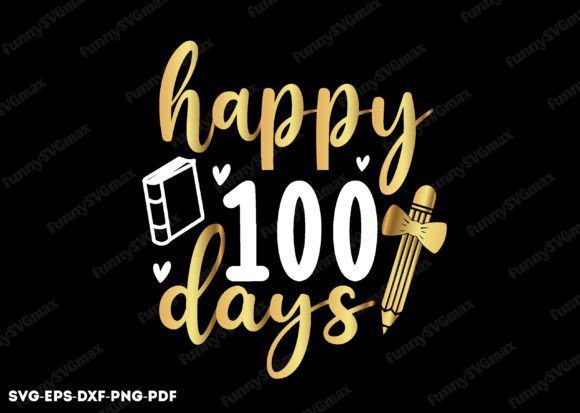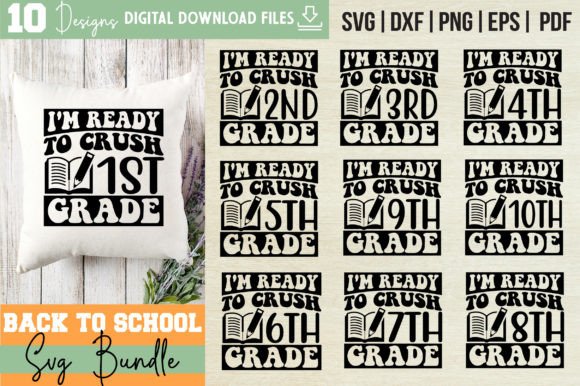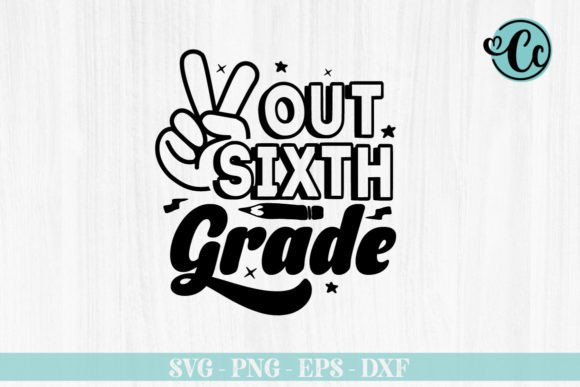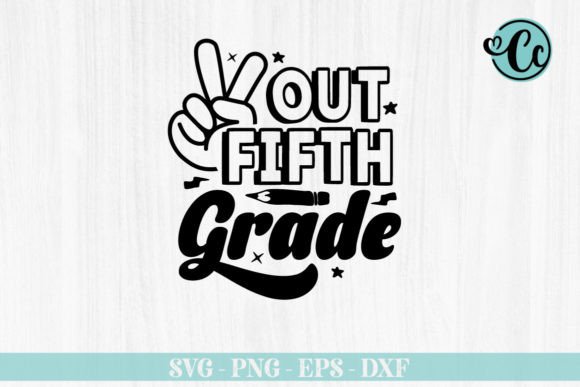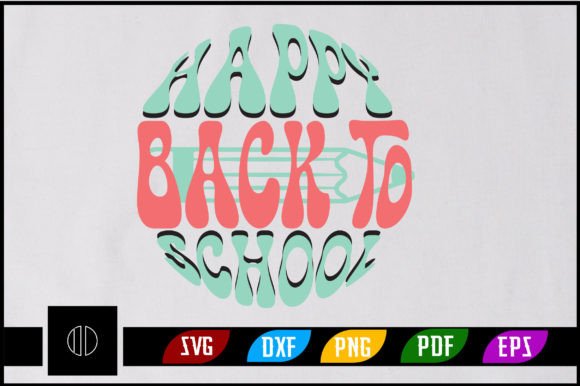
Happy Back to School Sublimation PNG
Whether you're prepping your own kids for class, running a small craft business, or designing custom merch for a school PTA event, the Happy Back to School Sublimation PNG is a versatile, ready-to-use digital asset that helps bring cheerful, seasonal energy to real-world projects—without needing design experience.
What It Is (and Why It’s Practical)
This isn’t just another clipart download. The Happy Back to School Sublimation PNG is a professionally crafted, high-resolution digital file set optimized for heat transfer, sublimation printing, and cutting machines. It’s designed with clean lines, balanced spacing, and thoughtful typography—so it scales beautifully on everything from tiny coffee mugs to large tote bags. Because it includes transparent-background PNGs and vector formats (SVG, DXF, EPS), you’re not locked into one tool or technique. You get flexibility—not limitations.
What You Actually Get (No Surprises)
Your purchase delivers one neatly organized .zip file containing:
- 1 SVG file — Ready for Cricut Design Space or Silhouette Designer Edition, ideal for precise cutting with vinyl or iron-on material.
- 1 DXF file — Compatible with the free version of Silhouette Studio, so beginners don’t need upgraded software to use it.
- 1 EPS file — Works in Adobe Illustrator, CorelDRAW, and Inkscape—great for tweaking colors, resizing without quality loss, or integrating into larger layouts.
- 1 PNG file — 300 DPI resolution with full transparency, perfect for sublimation blanks, digital scrapbooking, or overlaying onto photos in Canva or Photoshop.
- 1 PDF guide — A quick-reference document with tips on sizing, color settings, and common application notes.
- Adobe Illustrator source file — Fully layered and editable, giving experienced designers room to adapt fonts, adjust spacing, or swap elements while preserving print-ready integrity.
Where It Fits Into Real Projects
You don’t need a full studio to make something meaningful. Here’s how people actually use this file:
- Teachers & Educators — Print it onto classroom door signs, welcome banners, or student reward certificates. The transparent PNG makes it easy to drop onto themed backgrounds in Google Slides or PowerPoint.
- Small Business Owners — Create limited-run back-to-school bundles: matching t-shirts for staff, personalized notebooks for new hires, or branded tumblers for open-house events.
- Hobbyists & Parents — Make custom lunchbox decals, pillowcases for dorm rooms, or framed “First Day” keepsakes—all with consistent, polished lettering.
- Freelancers & Marketers — Use the EPS or AI file as a base layer when building social media kits, email headers, or printable planners—then add your client’s logo or brand colors.
It’s also popular for DIY sublimation projects on polyester-coated items like ceramic mugs, aluminum water bottles, and mousepads—where crisp text and smooth gradients matter most.
Beginner-Friendly Tips That Save Time
If you’re new to sublimation or cutting machines, start simple. Try the PNG first: upload it directly to your sublimation printer’s RIP software at 100% scale, then press onto a white mug or blank t-shirt. No tracing, no grouping, no alignment headaches. Once you’re comfortable, explore the SVG in Cricut Design Space—ungroup the layers to change colors individually, or weld parts together for smoother vinyl weeding.
Remember: sublimation works best on light-colored, polyester-rich surfaces. For dark garments or cotton blends, consider heat-transfer vinyl instead—and that’s where the SVG and DXF files shine. They cut cleanly on machines like the Cricut Maker or Silhouette Cameo, even at small sizes.
Things to Keep in Mind Before You Start
This is a digital download only—no physical item ships. That means instant access, but also requires you to have compatible software or hardware. Double-check your setup before purchasing:
- Do you have a sublimation printer, heat press, or cutting machine—or access to someone who does?
- Are you using updated versions of Cricut Design Space, Silhouette Studio, or Adobe Illustrator? Older versions may not fully support newer SVG features like nested groups or transparency.
- Need help converting the file for a specific platform? Most editing tools let you export SVGs as PNGs (or vice versa) in seconds—just keep an eye on resolution when scaling down for small items like keychains or stickers.
More Than Just a Design—It’s a Starting Point
The Happy Back to School Sublimation PNG isn’t meant to be used exactly as-is every time. Its real value lies in adaptability. Swap out “Happy” for “Ready,” replace the school icon with a backpack or apple graphic, or stack it vertically for a chalkboard-style poster. Because the Illustrator source file is included, those changes take minutes—not hours.
That flexibility matters whether you’re batch-producing 50 teacher appreciation gifts or making one heartfelt card for your niece’s first day. It supports intentionality, not just output.
Final Thought: Quality Meets Quiet Confidence
You’ll notice right away that the spacing between letters feels intentional—not cramped or stretched. The curves are smooth, the corners are consistent, and the overall weight holds up whether printed at 2 inches or 24. That kind of polish comes from experience—not algorithms. It’s why educators trust it for bulletin boards, why crafters choose it for Etsy listings, and why small studios include it in starter kits for new team members.
When you download the Happy Back to School Sublimation PNG, you’re not just getting files—you’re getting confidence that your project starts strong, looks professional, and connects with its audience in a warm, welcoming way.